


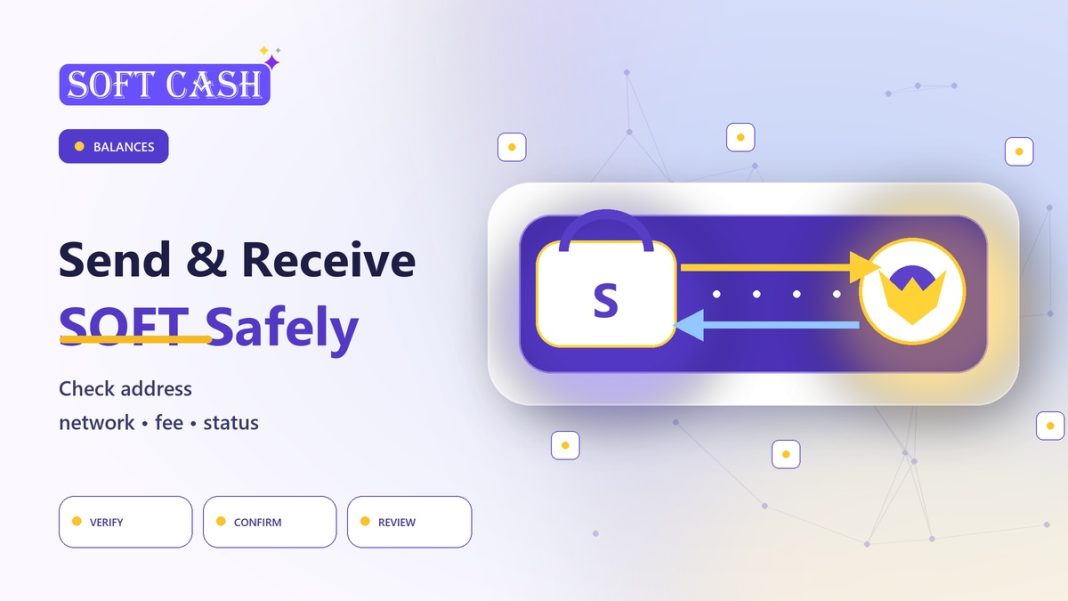
To send SOFT from the SOFT Wallet, choose the supported recipient route, confirm the destination and amount, review the fee and net amount, and authorize the transaction. To receive SOFT, share the correct supported account identifier for an internal receipt or your unique BEP-20 address or QR code for an external deposit.
The most important rule is to match the route to the destination. An internal recipient identifier and an on-chain BNB Smart Chain address are not interchangeable, and blockchain transfers should be treated as irreversible once confirmed.
Choose the correct way to send SOFT
The SOFT Wallet is the on-chain interface for confirmed SOFT holdings on BNB Smart Chain. Its documented Send function supports two destination types:
- Supported internal recipient: Send using the recipient’s email address or username when that option is available in the wallet flow.
- On-chain recipient: Send to a valid BEP-20 address on BNB Smart Chain.
Start by selecting the route shown in the wallet rather than pasting details into the first field you see. Enter the destination carefully, add the SOFT amount, and read the confirmation screen before authorizing anything. A complete financial confirmation should identify the amount, fee, net amount, destination, network, status, timestamp, and transaction reference.
If any of those details are missing or unexpected, stop and recheck the live interface. Never assume that a familiar username belongs to the intended person, and never shorten or manually retype a blockchain address when copy-and-verify is available.
How to receive SOFT safely
The receiving route also depends on where the SOFT is coming from. For a supported internal receipt, the documented identifiers are email, User ID, or username. Confirm which identifier the sender’s wallet flow requests, then share only that public receiving detail.
For an external blockchain deposit, use the unique BEP-20 address or QR code displayed by the SOFT Wallet. Tell the sender that the destination network is BNB Smart Chain and ask them to verify the address on their own confirmation screen. A QR code reduces typing, but it does not remove the need to check the network and visible address.
Do not share a password, six-digit Access/Transaction PIN, recovery credential, private key, or seed phrase to receive tokens. A legitimate receiving process needs a public destination, not control of your account or wallet.
Check the network, address, fee, and net amount
Before sending an on-chain transaction, compare the complete destination address rather than only its first or last few characters. Confirm that the wallet labels the route for BNB Smart Chain and that the asset is SOFT. Sending to an incompatible network or incorrect address can result in permanent loss.
Review the fee and net amount shown in the live confirmation. Operational fees and network conditions can change, so the current wallet screen is the appropriate place to confirm what applies to a specific transaction. Do not rely on an old screenshot, a third-party message, or a value quoted without a current official source.
If you are learning how the token works on its network, see How Does the SOFT BEP-20 Token Work?. For a broader tour of wallet functions and the separation from platform rewards, read Inside the SOFT Wallet.
Understand status and confirmation
Submitting a transaction is not the same as receiving final blockchain confirmation. The wallet may show a status such as pending, confirmed, or failed, together with a timestamp and reference. Wait for confirmed status before treating an on-chain transfer as complete.
Use the transaction reference to review the recorded activity through the wallet’s transaction history and, when available, an appropriate BNB Smart Chain explorer. Do not trust a screenshot from another person as proof of payment; check the destination wallet and verifiable transaction status.
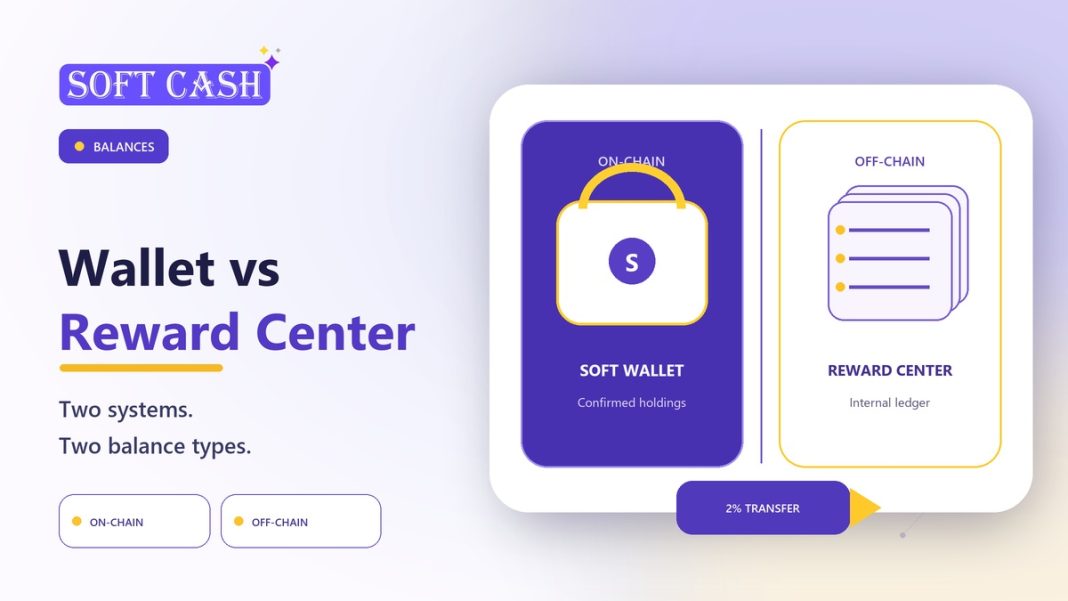
The SOFT Wallet should also remain distinct from the Reward Center. The wallet represents confirmed on-chain value, while the Reward Center is an internal off-chain ledger for pending and approved platform rewards. Moving wallet funds into the Reward Center is a separate Transfer function, not the same action as sending SOFT to another wallet.
Key takeaways
- Use email or username for a supported internal send, or a valid BEP-20 address for an on-chain send.
- Receive internally with a supported account identifier; receive externally with your unique BEP-20 address or QR code.
- Confirm BNB Smart Chain, destination, amount, fee, net amount, and status before treating a transfer as complete.
- Never share a password, PIN, private key, seed phrase, or recovery credential.
- Keep SOFT Wallet transactions separate from Reward Center ledger movements and internal gifts.
Frequently asked questions
Can I send SOFT with a username?
The documented SOFT Wallet scope supports an internal send using an email address or username. Follow the recipient options currently displayed in the official wallet and confirm the matched account before authorizing.
Which network should I use for an external SOFT transfer?
SOFT is a BEP-20 token on BNB Smart Chain. Both sender and receiver should verify the network and destination address in the live transaction flow before sending.
Is a QR code enough to confirm the destination?
No. A QR code can reduce typing errors, but you should still verify the network, visible address, token, amount, and confirmation details.
Why does my transaction still show as pending?
A submitted on-chain transaction may need time to reach confirmed blockchain status. Use the wallet’s status and transaction reference; do not treat a pending result as final.
Is sending from the SOFT Wallet the same as an internal Reward Center gift?
No. The SOFT Wallet handles confirmed on-chain holdings and its supported wallet routes. The Reward Center is a separate off-chain ledger with its own Internal Gift rules and fee structure.
Open the official Soft Cash Finance website and review the current SOFT Wallet screen, network, fees, and confirmation details before you send or receive SOFT.