

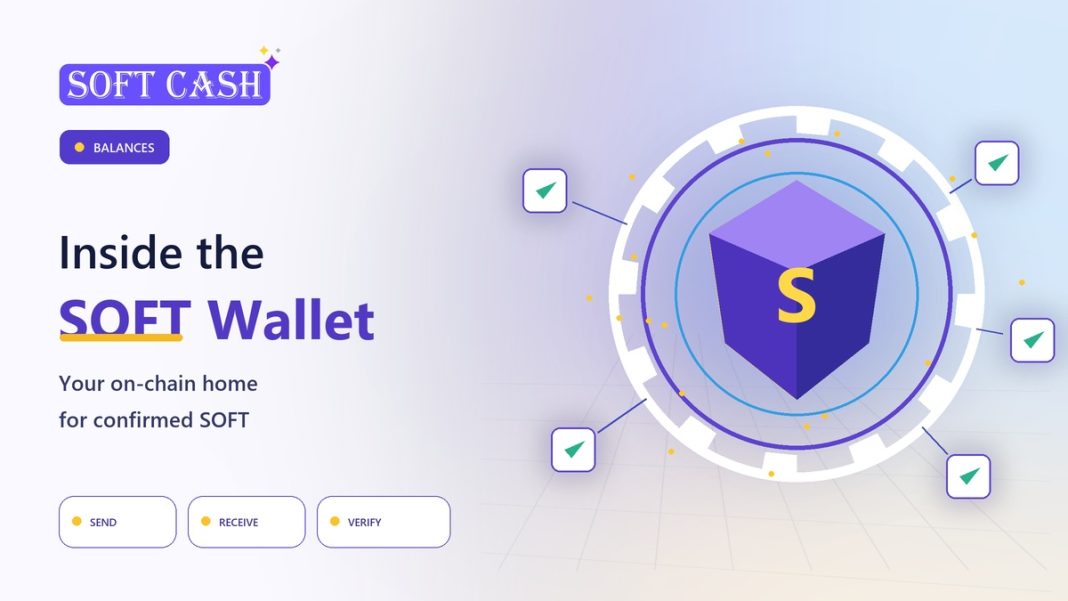
The SOFT Wallet is the on-chain home for confirmed SOFT holdings on BNB Smart Chain. It is designed to show blockchain-backed balances and support wallet actions such as sending, receiving, transferring, buying, withdrawing, and reviewing transaction history—while remaining separate from the platform’s off-chain Reward Center.
That separation is the key to reading the platform correctly: a confirmed wallet balance represents on-chain state, whereas pending or approved rewards remain internal ledger entries until the relevant process moves value between the two systems.
What the SOFT Wallet is
The SOFT Wallet is the platform interface for the SOFT BEP-20 token on BNB Smart Chain. It can display the confirmed token balance, transaction activity, and supported actions connected to the blockchain. SOFT uses 18 decimals and has a fixed, non-mintable total supply of 100,000,000,000 tokens.
The wallet interface helps users interact with SOFT, but the blockchain remains the source of truth for on-chain value. A screen that says “submitted,� an internal notification, or a copied transaction reference is not the same as a confirmed blockchain transaction. Confirmation status should be checked before treating funds as final or spendable.
For the token-level foundation, read How Does the SOFT BEP-20 Token Work?.
What you can do inside the wallet
The documented SOFT Wallet scope includes several connected functions:
- View balances and activity: See confirmed SOFT holdings and review wallet transaction history.
- Send SOFT: Use a supported internal recipient identifier or send on-chain to a valid BEP-20 address.
- Receive SOFT: Receive internally through supported account identifiers or externally through a unique BEP-20 address and QR code.
- Transfer to the Reward Center: Move eligible value from the on-chain wallet into the internal ledger through the supported transfer flow.
- Buy SOFT: Access the in-app acquisition flow when the feature and its supported routes are live.
- Withdraw: Request an eligible withdrawal under the current platform requirements.
Feature availability, routing, limits, approval controls, and displayed pricing can change through governed configuration. The live interface is therefore the final checkpoint for any action.
SOFT Wallet and Reward Center are not the same balance
The SOFT Wallet is on-chain. The Reward Center is an internal off-chain double-entry ledger used for Pending Rewards and approved Reward Balance entries. They may both use SOFT as the unit, but they record value in different systems and should never be merged into one number or described as interchangeable wallets.
A reward can appear in Pending Rewards before verification, then move to the approved Reward Balance when the applicable conditions are met. That internal movement does not by itself make the value an on-chain wallet balance. Conversely, an external deposit confirmed on BNB Smart Chain belongs to the wallet side, not the reward ledger.
See How SOFT Is Used Across the Soft Cash Finance Ecosystem for more context on these roles.
How to read a wallet transaction safely
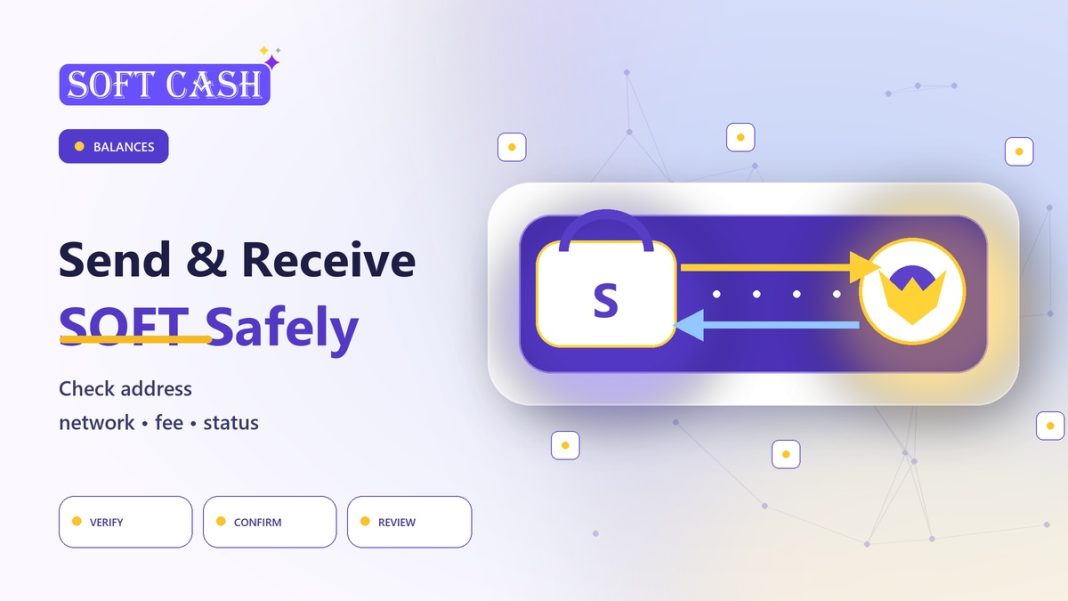
A useful financial confirmation should clearly show the amount, fee, net amount, destination, network, status, timestamp, and reference. Read all of them before approving a transaction and again after submission.
- Confirm the network is BNB Smart Chain and the asset is the intended SOFT token.
- Check the complete destination. Blockchain transfers generally cannot be reversed simply because an address was entered incorrectly.
- Review the gross amount, every displayed fee, and the net amount the recipient or destination will receive.
- Check whether the status is pending, failed, or confirmed. Do not rely on a screenshot as proof.
- Keep the transaction reference or hash for your records, but never share a seed phrase, private key, password, PIN, OTP, or authenticator code.
The owner-confirmed SOFT contract address is 0xff5081B406CDD39177b270309fbb459afe159DED. Compare the full address with current official information before importing the token or approving a transaction. The guide SOFT Contract Address: How to Verify You Are on the Real Token explains the verification process.
Fees and access requirements to check
The current documented Wallet-to-Reward transfer fee is 2%. Smart-contract taxes, blockchain gas, swap costs, price impact, or other action-specific charges may apply separately. Values governed by platform or contract configuration can change, so the live confirmation must take priority over an older screenshot or article.
Current access rules require a 100% Verified Profile and at least 4 Active Referrals for withdrawal. An internal transfer currently requires a 100% Verified Profile and at least 2 Active Referrals. Use “Active Referrals� exactly in current guidance.
Key takeaways
- The SOFT Wallet represents confirmed on-chain value on BNB Smart Chain.
- The Reward Center is a separate off-chain ledger for platform rewards.
- Send, receive, transfer, buy, withdraw, and history functions depend on the supported live interface.
- Every transaction should be checked for amount, fees, net, destination, network, status, timestamp, and reference.
- Never share recovery credentials or approve a request you do not understand.
Frequently asked questions
Is my Reward Center balance already in the SOFT Wallet?
No. Reward Center entries are off-chain ledger records. Only confirmed blockchain state should be presented as an on-chain SOFT Wallet balance.
Which network does the SOFT Wallet use?
SOFT is a BEP-20 token on BNB Smart Chain. Verify the selected network and full destination before sending or receiving tokens.
Can a pending transaction be treated as complete?
No. Pending means the final state has not yet been confirmed. Check the wallet status and blockchain reference before relying on the transfer.
What information should a confirmation show?
It should show the amount, fee, net amount, destination, network, status, timestamp, and a reference or transaction identifier.
Where can I check current wallet information?
Visit the official Soft Cash Finance website for current wallet access, supported features, requirements, fees, and official updates before taking action.