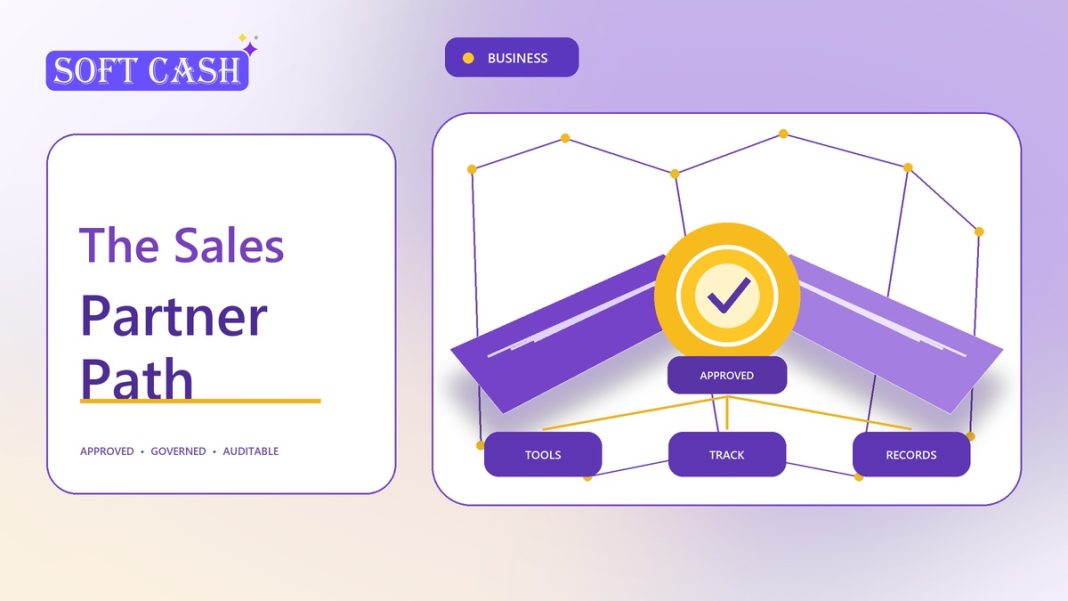


Soft Cash Finance managers can use two governed sales tools: promo codes for approved offers and custom invoices for approved products or campaigns. Promo codes connect eligible purchases to the manager and can carry a permitted customer discount, while custom invoices record a specific authorized sale with its buyer, item, amount, discount, commission, payment reference, status, and audit history.
Neither tool creates a guaranteed sale or commission. The manager must stay within rank limits and platform permissions, and fulfillment plus commission calculation follows payment confirmation rather than an informal promise or screenshot.
Promo codes and custom invoices serve different needs
A promo code is a reusable attribution tool for an approved offer. It helps identify which manager influenced a paid invoice and supports reporting such as promo-code statistics. A custom invoice is a transaction-specific record created by an authorized manager or administrator when an approved sale needs defined buyer, seller, item, pricing, discount, commission, revenue, payment, and status details.
- Promo code: supports eligible campaign attribution, a governed discount, and manager reporting.
- Custom invoice: captures the complete terms and lifecycle of one authorized sale.
- Shared control: both operate inside platform rules, manager allocation limits, payment confirmation, and audit records.
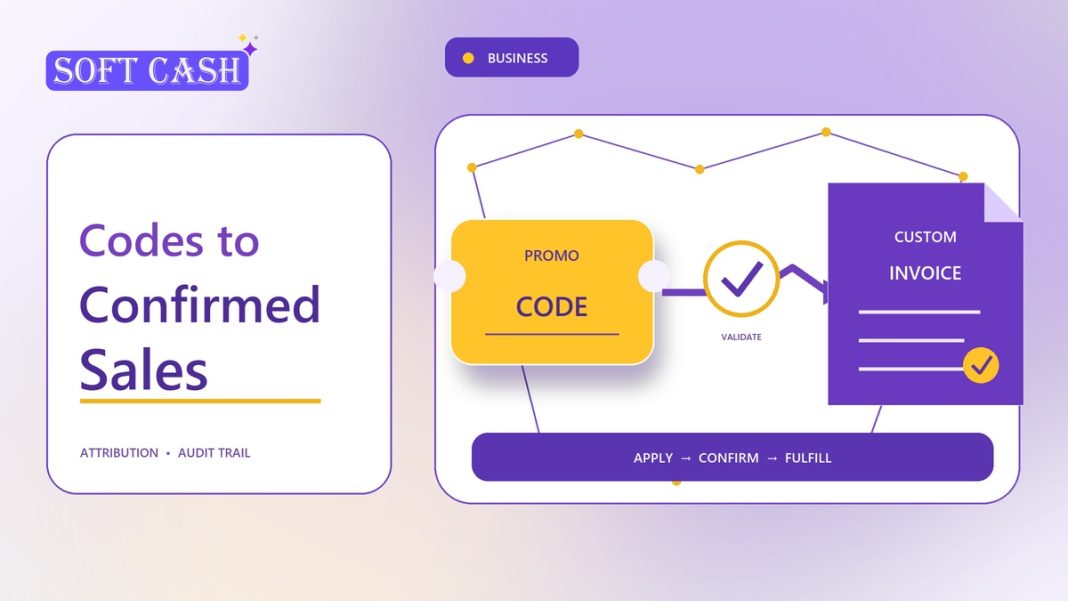
These tools can work together. A custom invoice may include a promo code when one applies, but the presence of a code does not replace the invoice record, payment confirmation, or fulfillment controls.
How a manager promo code works
The platform supports promo-code validity choices of 24 hours, or 3, 7, 15, 30, 45, or 90 days. That validity window controls how long the code is intended to remain usable; it does not promise that every visitor qualifies, that every product is included, or that a sale will occur.
- Use an approved offer. The code must be associated with a product or campaign the platform has authorized.
- Set an allowed discount. Any discount must fit inside the manager’s current rank allocation and the deal’s rules.
- Share the code accurately. Explain the offer without inventing savings, availability, delivery times, or guaranteed results.
- Let the platform validate the purchase. Attribution depends on the recorded transaction, not a private claim.
- Review paid sales and statistics. The Manager Platform treats Total Sales as paid invoices associated with a promo code, helping separate completed payment records from drafts or leads.
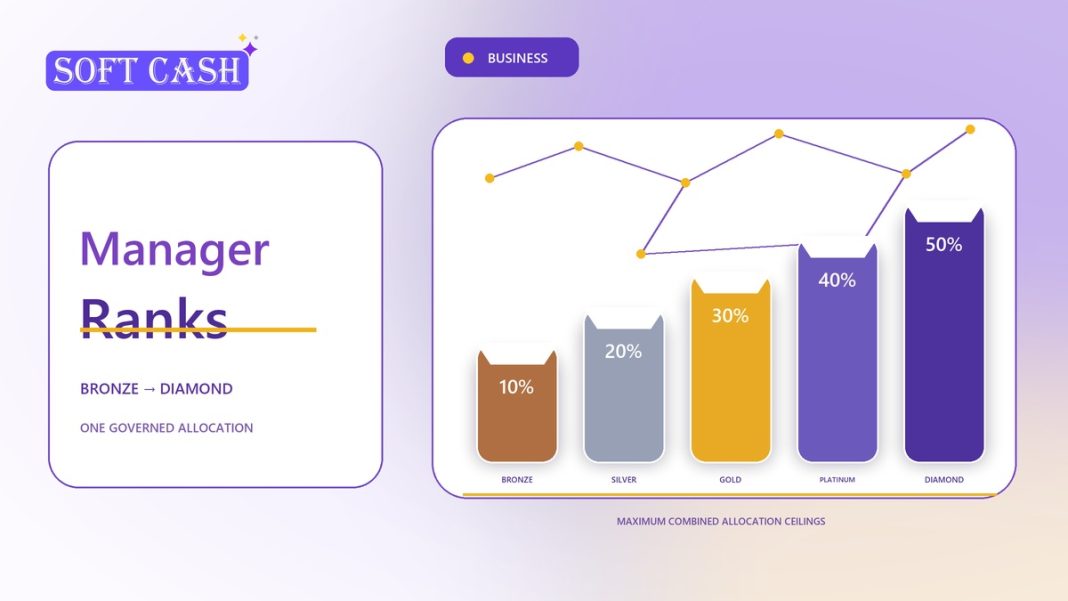
The manager rank system sets the maximum combined allocation that can be divided between customer discount and manager commission. Giving more of that allocation to the customer leaves less for commission. A promo code cannot override that ceiling.
What a custom invoice records
Custom invoices are available only to managers or administrators with the relevant permission. The permission is separately controllable, so manager status alone should not be treated as automatic invoice access.
An authorized custom invoice can record the invoice ID, buyer, seller or manager, approved item, amount, promo code, customer discount, manager commission, platform revenue, payment reference, status, and audit history. Together, those fields create a reviewable transaction trail and reduce dependence on scattered messages.
The workflow is deliberately status-driven. The invoice documents what is being sold and on what approved terms; payment confirmation then triggers fulfillment and commission calculation. A draft invoice, an unpaid request, or an external screenshot is not the same as confirmed payment. Exact payment methods, processing times, products, and settlement arrangements should always come from current official information.
How discounts and commissions stay governed
Managers do not add an unlimited commission on top of an unlimited discount. Each manager rank establishes a maximum allocation, and the manager chooses how much of the permitted allocation becomes customer discount versus commission. The remainder outside that allocation stays platform revenue.
For example, if an approved deal permits an allocation and part is assigned to the customer as a discount, only the unused part of that same allocation can remain as manager commission. The actual figures depend on the manager’s rank, the approved offer, and the recorded transaction. Sales volume, commission, withdrawable earnings, or rank progression are never guaranteed.
The Manager Platform overview explains how earnings, paid sales, custom-invoice sales, withdrawable balance, promo-code statistics, and promotion requests appear together without turning projections into confirmed revenue.
A safe workflow for managers and customers
- Confirm authorization. Use only products, campaigns, prices, and tools shown through official channels.
- Check the rank and permissions. Verify the current allocation ceiling and whether custom-invoice access is enabled.
- Document the terms. The item, amount, discount, commission, and responsible parties should be clear before payment.
- Keep payment traceable. Use the official transaction flow and retain the platform reference and status.
- Wait for confirmation. Treat fulfillment and commission as dependent on confirmed payment and recorded rules.
- Review the audit trail. Resolve discrepancies from the invoice and platform history rather than private messages alone.
Users should never share a password, PIN, private key, seed phrase, or recovery credential with a manager. Soft Cash Finance does not conduct direct off-platform transactions with users, agents, managers, or administrators. Pause any unofficial payment request and verify it through the official site.
Key takeaways
- Promo codes attribute eligible paid invoices and may apply a governed customer discount.
- Supported validity choices are 24 hours or 3, 7, 15, 30, 45, or 90 days.
- Custom invoices are transaction-specific and require separately controlled permission.
- Payment confirmation triggers fulfillment and commission calculation.
- Rank limits, approved offers, traceable records, and non-guaranteed outcomes apply to both tools.
Frequently asked questions
Does every manager automatically have custom-invoice access?
No. Custom-invoice permission is separately controllable. Managers should rely on the access shown in their official account.
Can a promo code exceed a manager’s rank limit?
No. Any discount and commission split must remain inside the allocation allowed for the manager’s current rank and the approved deal.
Does creating an invoice guarantee commission?
No. An invoice is a transaction record, not guaranteed income. Payment confirmation, approved terms, and the governed calculation determine whether commission is recorded.
What counts as Total Sales in the Manager Platform?
Total Sales refers to paid invoices associated with a promo code, not every lead, draft, message, or unpaid invoice.
Where should managers check current rules?
Use the official manager account for current permissions and visit the official Soft Cash Finance website for current rules, availability, and approved offers.