

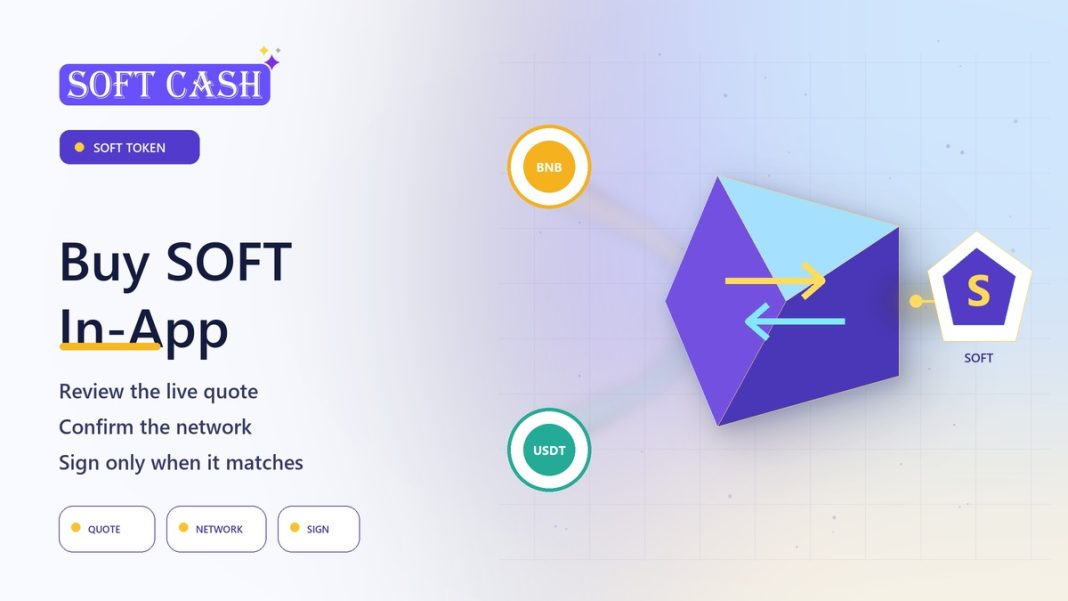
The in-app swap is designed to let you buy SOFT from the Soft Cash Finance wallet interface while the transaction settles on BNB Smart Chain. The safe approach is to open Buy SOFT from the official app, select an available funding asset, review the complete live quote, verify the SOFT contract and network, and approve the transaction only when every detail is correct.
A swap is an on-chain transaction, not a guaranteed purchase at a fixed price. Availability, exchange rate, price impact, network gas, route, and execution can change, so the confirmation shown in your wallet is the final checkpoint.
What the in-app swap does
The Buy SOFT area provides an in-app route to exchange a supported asset such as BNB or USDT for SOFT. Although the journey begins inside Soft Cash Finance, a compatible Web3 wallet and decentralized swap route may be involved in execution. Your resulting SOFT is an on-chain BEP-20 balance in the SOFT Wallet, not a reward credit in the off-chain Reward Center.
Before buying, understand the token itself in SOFT Token Explained: Supply, Standard, and Smart Contract Basics. You should also know how to verify the real SOFT contract address instead of relying on a copied symbol or logo.
What to prepare before you start
- Use the official Soft Cash Finance app or website. Avoid links sent through unsolicited messages, search advertisements, or unofficial support accounts.
- Use BNB Smart Chain. SOFT is documented as a BEP-20 token. Confirm the selected network before connecting or signing.
- Have a compatible Web3 wallet. Keep control of your seed phrase and private keys. Soft Cash Finance support should never need them.
- Hold the funding asset and BNB for gas. The interface may present BNB or USDT as funding options, depending on the current route. A BNB Smart Chain transaction normally also needs BNB for network gas.
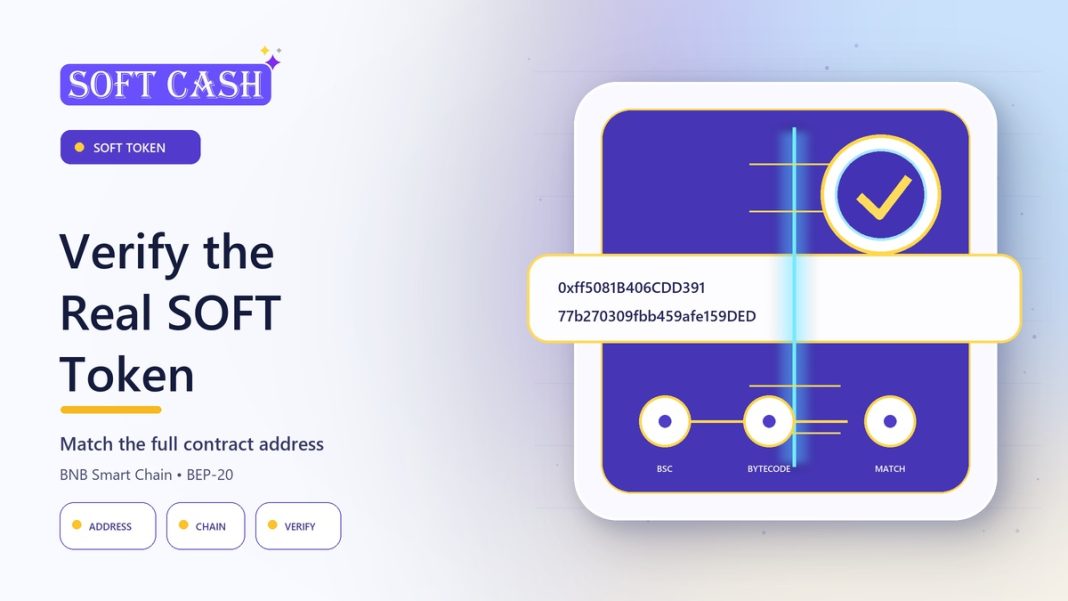
- Verify the token address. The owner-confirmed SOFT contract is 0xff5081B406CDD39177b270309fbb459afe159DED. Compare the entire address with current official information.
How to buy SOFT through the in-app swap
- Open Buy SOFT. Sign in through the official Soft Cash Finance entry point, open the SOFT Wallet, and choose the Buy SOFT or in-app swap action. Stop if the page domain, branding, or wallet request looks unfamiliar.
- Connect or select your wallet. Use a compatible wallet on BNB Smart Chain. Read the connection request carefully; a basic connection should not require your recovery phrase or private key.
- Choose the asset you will swap. Select one of the funding assets currently offered by the interface. Do not assume an option shown in an old screenshot is still available.
- Enter the amount. Type the amount you want to exchange. Keep enough BNB outside the swap amount to cover network gas.
- Check the destination token. Confirm that the output is SOFT on BNB Smart Chain and that the contract address exactly matches 0xff5081B406CDD39177b270309fbb459afe159DED.
- Review the live quote. Check the input amount, estimated SOFT output, exchange rate, price impact, route, transaction or swap charges, token tax where displayed, and estimated network gas. The current documented SOFT buy-tax baseline is 2%, but smart-contract settings and route costs may change; rely on the live confirmation for the transaction you are about to sign.
- Handle any approval separately. Swapping a token such as USDT may require an allowance approval before the swap. Verify the token, spender, and permission amount. Avoid an unlimited allowance unless you understand and accept the risk.
- Confirm the swap in your wallet. Compare the wallet prompt with the quote. Approve only if the network, contract, amount, destination, permission, and estimated gas are expected.
- Wait for on-chain confirmation. Do not repeat the transaction merely because the interface is slow. Use the transaction reference to check its status on a BNB Smart Chain explorer.
How to read the confirmation
A clear financial confirmation should identify the amount, fees, net amount, destination, network, status, timestamp, and transaction reference. Save the reference rather than relying only on a success animation. Only a confirmed blockchain transaction should be treated as an on-chain SOFT balance.
If the status is pending, wait and check the explorer. If it fails, review the failure and your wallet balance before trying again; a failed transaction may still consume network gas. If the displayed output changes materially before signing, cancel and request a fresh quote.
Costs and risks to review
- Token tax: the current documented buy-tax baseline is 2%, directed to the designated marketing and promotion wallet. Confirm the current official setting and live quote.
- Network gas: paid in BNB and determined by BNB Smart Chain conditions.
- Swap-route costs: liquidity-provider fees, route fees, and price impact may vary with the available route and trade size.
- Slippage and execution: the final result can differ from an estimate, and a transaction can fail.
- Market and liquidity risk: buying SOFT does not guarantee liquidity, price performance, profit, or the ability to exit at a preferred price.
For more context on taxes and configurable safeguards, read Understanding the SOFT Smart Contract: Tax, Limits, and Security Controls.
Key takeaways
- Start the purchase only from the official Soft Cash Finance interface.
- Confirm BNB Smart Chain and the complete SOFT contract address before signing.
- Review the live output, tax, route costs, price impact, gas, destination, and permissions.
- Keep enough BNB for gas and never share a seed phrase, private key, or access PIN.
- Treat SOFT as on-chain only after the transaction is confirmed.
Frequently asked questions
Can I buy SOFT with BNB or USDT?
The documented in-app design supports BNB or USDT funding routes, but the options available at a particular time depend on the current official interface and swap route. Check the live screen before proceeding.
Why do I need BNB if I am swapping USDT?
BNB Smart Chain normally charges network gas in BNB. A USDT approval and the swap itself may be separate transactions, so keep enough BNB for the required gas.
What is the official SOFT contract address?
It is 0xff5081B406CDD39177b270309fbb459afe159DED on BNB Smart Chain. Compare the entire address with current official information.
Is the quoted amount guaranteed?
No. A quote is an estimate that can change with liquidity, price movement, route conditions, gas, and smart-contract settings. Review the final wallet confirmation before signing.
Where can I find current buying information?
Visit the official Soft Cash Finance website for the current app entry point, supported route, contract details, and official updates.